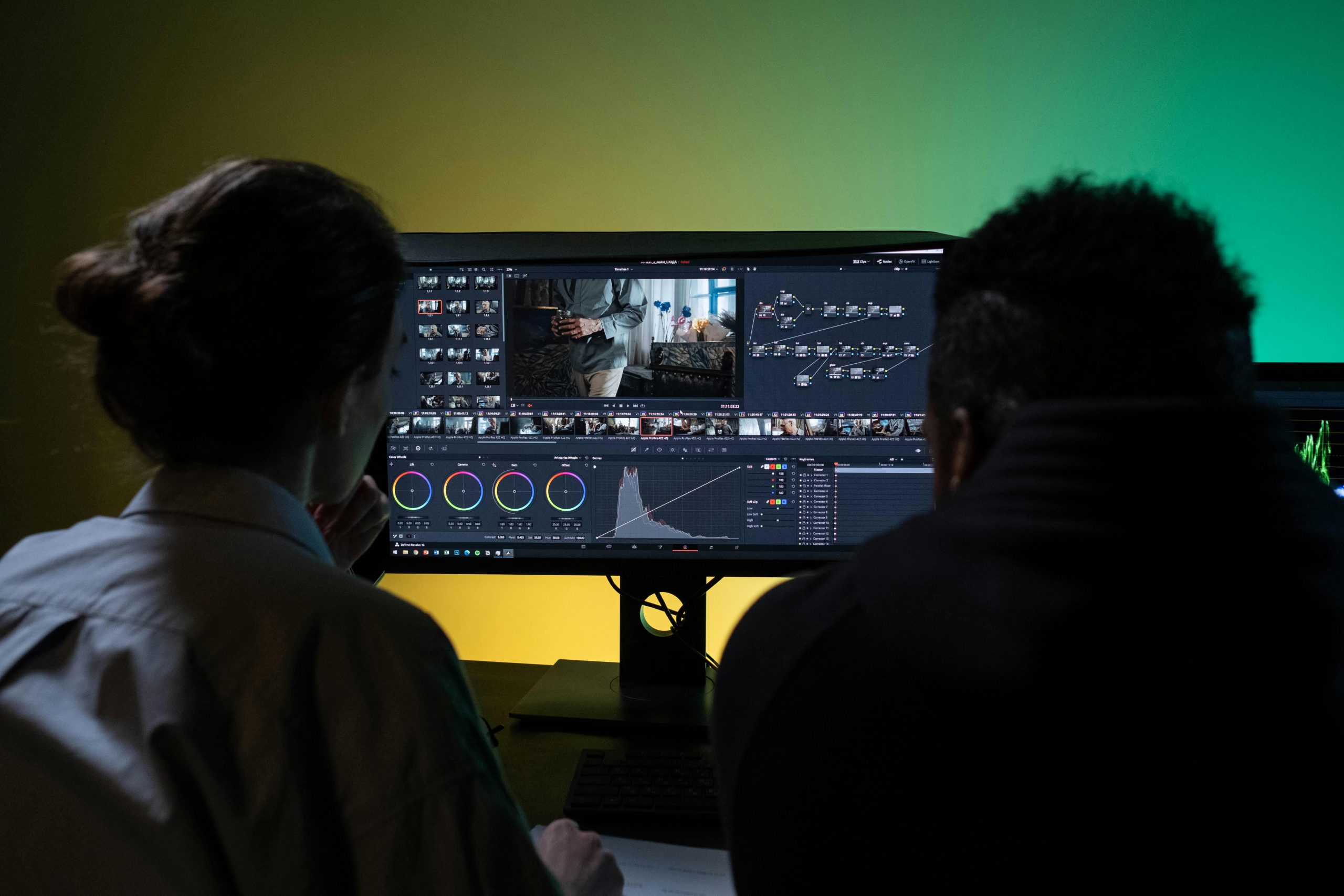
Book trailers are video teasers that entice potential book readers to buy your book.
How do you promote books?
Traditionally and for many years, this is how books have been promoted:
- Reviews on book review blogs.
- Reviews on sale platforms: feedback on Amazon, Goodreads, and similar platforms.
- Banner Ads on blogs, websites, and other book-related platforms.
- In-person book tours at libraries, bookstores, and other events.
While these methods remain effective, the landscape of book promotion has expanded and one of the most powerful avenues is now social media.
Using social media to promote your book
In an era of social media, and with the increase of self-published authors who lack the support of a literary agency, writers must now look at ways to promote their books on social networks. Unlike traditional blog reviews that rely on written content, social media thrives on engaging visual material.
So, what types of visual material can you prepare to promote your book?
- Book covers
- Book images (if available)
- Visual reviews: highlighted reviews converted into eye-catching images or graphics.
- Videos

Using book trailers to promote books
But what kind of videos? creating a video based on a book, especially a fiction book, can be challenging. While author interview videos are an option, they’re not always available and feasible for most authors.
In the last few years, book trailers have grown in popularity in the literary world, either for promoting fiction or non-fiction books. Many platforms and freelancers offer these services, from PowerPoint-like presentations to videos generated with generic stock media.
But what about using AI? What is the advantage of using AI versus ordering a service that will use your book cover and mix it with generic stock media?
With AI, you can generate images that are customized to your own story and characters, bringing them to life in a way generic media cannot. There are many freelancers who offer this service, like the one I offer here, but there are also many authors who are low on budget and prefer to learn it by themselves. AI provides a cost-effective and creative way to build a book trailer.
In this blog post, I’ve compiled the most important information that you need to create your own book trailer with AI. Let’s get started!

Guide to Create a Book Trailer
Write a script for your Book Trailer
Yes, all videos need a script. As an author yourself, you already have an advantage with the writing part, but what exactly do you want to include in your video script?
Video script ideas for your Book Trailer
- Your script can be based on or be exactly the same as your book’s blurb, i.e. the description that usually goes in your book’s back cover and that is posted when you list it on platforms like Amazon. The book blurb is short and should be intriguing.
- You can also use a teaser or captivating scene from your book – a scene that you know is going to call the attention of your potential readers. Is there any intriguing dialogue that you think will entice viewers to know more about your book’s content? If so, consider adding it to your video script.
- If your book is non-fiction, your script should revolve around the book’s pitch. Make sure this pitch reflects the unique value your book offers and the key takeaways readers will gain.
Take into account that book trailer videos are short. You could create a 5-minute video, but social media audiences have short attention spans. I would suggest creating something in between 90 to 120 seconds at the most.
Using AI for the video script on your Book Trailer
If you’re stuck with your video script ideas, why not turn to tools like ChatGPT to help? Even if you dislike the idea of AI writing the video script for you, keep in mind that this tool is an excellent resource for improving and polishing your draft.
You can also use ChatGPT to change your written script into a video script format. The tool will break your script into scenes, suggest imagery for those scenes, as well as propose potential voiceover lines. Even if you don’t want to use the voiceover generated by AI, you can still get good recommendations for the imagery and the structuring of the scenes.
Remember, the goal of your video script is to order your ideas and make sure that you squeeze the most impactful scenes in a short video.

Generate the images for your Book Trailer
There are many AI tools to help you generate both images and their animation. Even though there are tools that will allow you to generate both in a single process, I suggest you do them separately to guarantee the following:
- Consistency in style and character design is maintained across all visuals.
- Animation is controlled as best as possible.
For generating images, there are plenty of AI tools to choose from, including Dall-e, Midjourney, Stable Diffusion, Leonardo AI, Davinci AI, Canva, Adobe Firefly, and others. I personally suggest Midjourney because it specializes in images and has good customization options.
If you’re struggling to generate images with the same character in different scenes, check my Midjourney consistent characters tutorial to learn more about it.
Generate the animation for your Book Trailer
There are many tools that you can use to animate your images, such as Runway, Pika, and others. I personally recommend Pika. Over time, this tool has improved and added features that are now better or even surpass Runway. I also feel that with Pika you have more control over the generated animation. Besides their lip-sync feature is top-notch, making it an excellent choice if your book trailer includes characters speaking.
If you don’t know what type of animation to apply to an image, I would suggest the following:
- Write “windy” in your prompt area to create compelling scenes without distorting the images. Check this tutorial for more information on how to use Pika effectively.
- Focus on camera movements and remove the written prompt to create smooth, animated scenes. Check this tutorial to learn more about this.
AI Animation tools still have a long road to go. They still face challenges, particularly when it comes to creating specific animation without getting dysmorphic or distorted images. Instead of aiming for complex animations and exact movements, ask yourself: Is there a better way to portray this scene with a simpler visual?

Generate the voiceover for your Book Trailer
Depending on your type of book trailer, you might need not only a narration voiceover but also character dialogues. Fortunately, there are many AI tools that can help you generate good voiceovers without robotic-sounding tones – unless, of course, your book character is a robot!
I would suggest Elevenlabs for this purpose. Their voice directory is extensive and they include good options to customize voice inflections.
When selecting a narrator’s voice, make sure to pick a powerful voice that complements your book’s tone and theme. If you’re picking a male voice, I recommend opting for a deeper-sounding voice. Sometimes high-pitched voices are not the best, but the choice will ultimately depend on your book’s content and theme.
Select the background music for your Book Trailer
Adding background music is a great way to set the right mood for your book trailer. Depending on your script and the genre of your book, you might already have an idea of what soundtrack you would like to have. Here are a few important points to consider:
- Ensure you have the proper legal rights to use the music.
- Platforms like Openverse or Freesound offer excellent resources for royalty-free or Creative Commons-licensed music.
- When researching music, make sure to check the correct type of license. This will help you decide if you need to add any kind of attribution in your video credits, if you can edit it commercially without breaking copyright laws, or if you can use it freely without restrictions.
- Your video doesn’t need to rely only on music; you can mix it with sound effects or even ambient noise. Collect first all the sounds you think you will need, then in the next step, you will be able to merge all these files.
Edit the Book Trailer video
This is where you bring together all the content generated: animated images, voiceover, dialogues, music, and sound effects. There are many video editors out there, you can use Camtasia, iMovie, etc. But if you have access to a more professional tool like Adobe Premiere Pro, then I definitely recommend it.

Including a Call to Action in your Book Trailer
This is the most important part of the book trailer, yet many people oversee it. Make sure to place information about your book either during or at the end of the book trailer so viewers know where to find your book.
What information should you place?
Well, it will depend on the stage of your book’s journey:
- If you’re about to launch it, then you can invite people to follow your website or a specific social media account to stay updated on the book’s release. You won’t be able to add a clickable link to the video, but you can display a shortened link and include the link in the description of the social media platform where you are posting the book trailer.
- If the book is available for pre-order on places like Amazon, then make sure to include information about it. Something like “Pre-order at Amazon” can be enough.
- If your book has already been launched, then include the platforms where people can find it. You can display logos from Amazon, Barnes&Nobles and others, directly. You don’t need to include links, but if you want to add them, do it in the description of the social media post. If the book is already available, people should be able to search for your book’s title or author name directly on platforms like Amazon.
Other tips
- When you decide to do the book trailer, check what social media you will be using as the size of the images and video will depend on the social network. For example, for Instagram stories and TikTok-style videos, you will need a video with an aspect ratio of 9:16. If you need only this size, then start generating images with this ratio.
- If you will be promoting on several social media and you will need different formats, you can achieve this inside Adobe Premiere Pro with its auto-reframe sequence feature.

Conclusion
Depending on the complexity of the video, there could be more steps. However, I believe this blog post should summarize all the steps needed to build a book trailer video.
I must clarify that most of the tools mentioned here are not free, especially the ones for animation, so you’ll probably need some budget to achieve it on your own.
If you prefer to avoid buying plans on these tools and having someone with experience build this for you, please check my service for book trailers on Fiverr.